
All features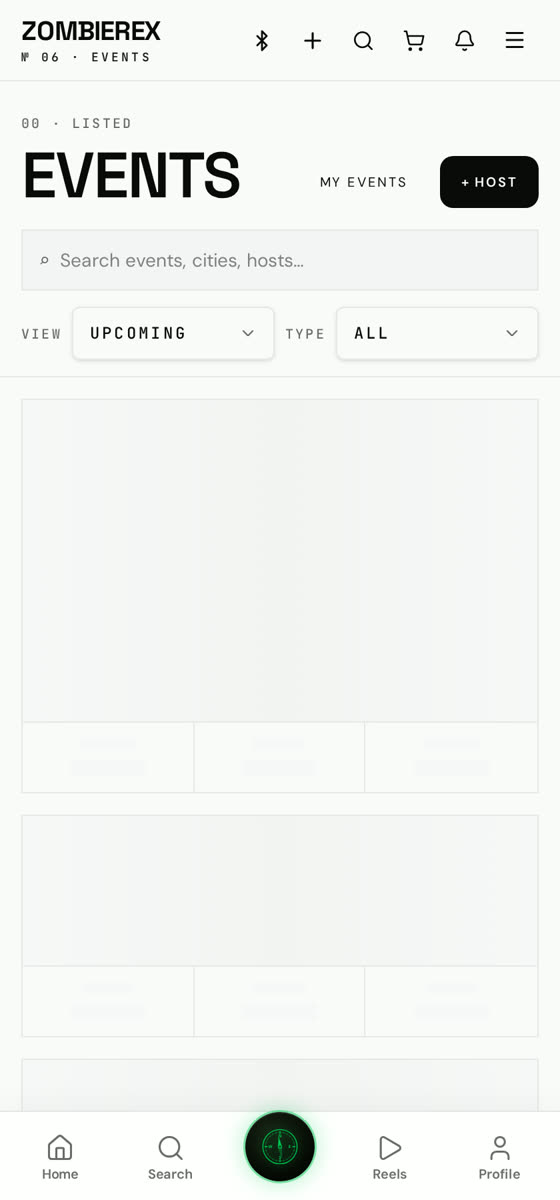
How to use
Events Calendar
Meets, rallies, track days and car shows.
Find what's happening near you, RSVP or buy a ticket, and see who else is going before you commit.
01
Open the Events tab
Browse by date, distance from you, or type: meet, ride, track day, show.
02
Open an event
Read the details, route, rules and the attendee list.
03
RSVP or buy a ticket
Free events use RSVP; ticketed events check out in-app with your cart.
04
Host your own
Tap Create event, set the location, time, capacity and whether it needs approval.
Good to know
- Turn on event notifications so you get a reminder the day before.
- Business pages can publish recurring events.