
Back to home

App guide

How to use ZOMBIEREX.

A short tour of every page, setting and option inside the app — with screens from the real product.
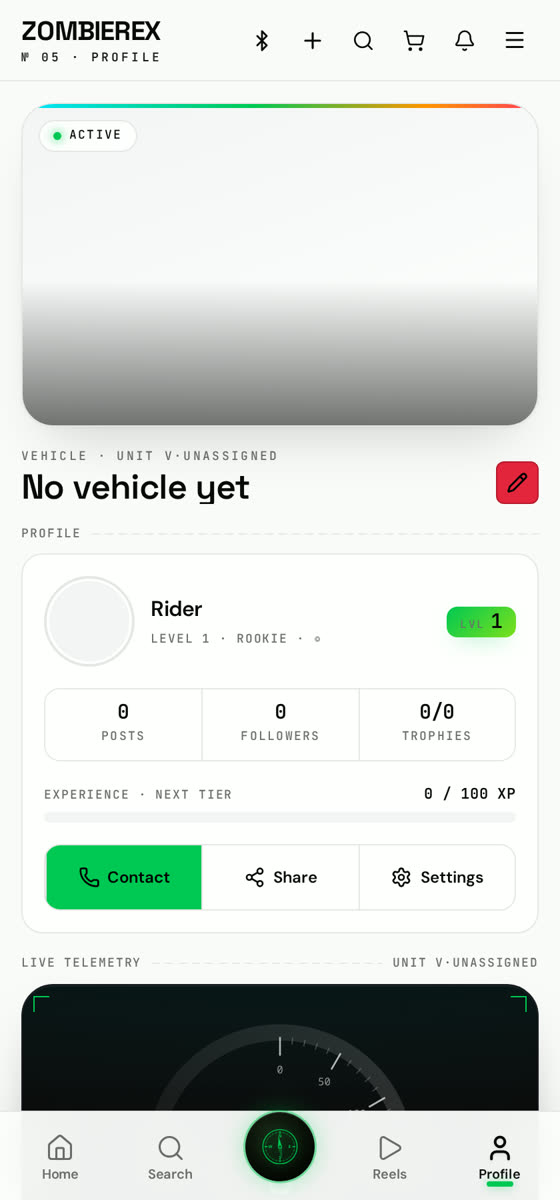
Getting started in the ZOMBIEREX app

1 · Build your garage

Open Profile → Edit to add your photo, bio, location and the bikes or cars you own. A complete garage gets far more follows.

2 · Post your first build

Tap the + button, pick photos or video from your device, add filters, music and a caption, then publish.

3 · Follow riders & shops

Use Search to find riders, hashtags, communities and vendors near you.

4 · Turn on notifications

Settings → Notifications lets you choose exactly what pings you — likes, comments, ride invites or nothing at all.