
All features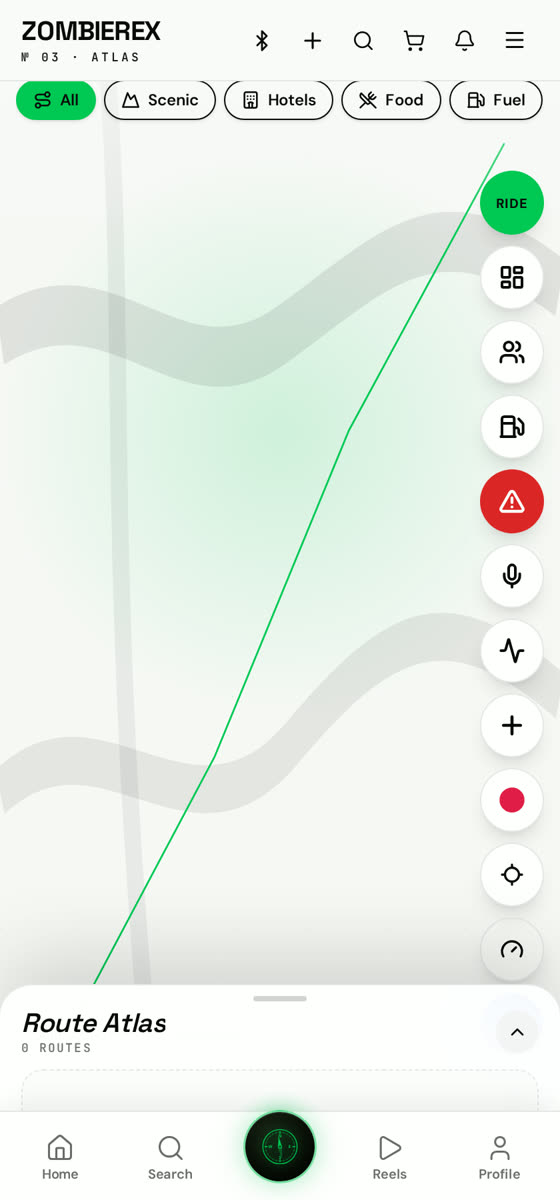
How to use
Live Maps
Real-time group ride tracking and SOS.
Start a group ride and everyone appears live on one map — plus an SOS button that sends your location to trusted contacts.
01
Open Atlas → Group ride
Create a ride and share the invite link with your crew.
02
Watch the pack
Every rider shows on the map with speed and distance from the leader.
03
Set trusted contacts
Settings → Safety lets you choose who receives an SOS alert.
04
Trigger SOS
Hold the SOS button; your live location is sent immediately with a map link.
Good to know
- Cockpit HUD mode turns your phone landscape into a big, glanceable dash.