
All features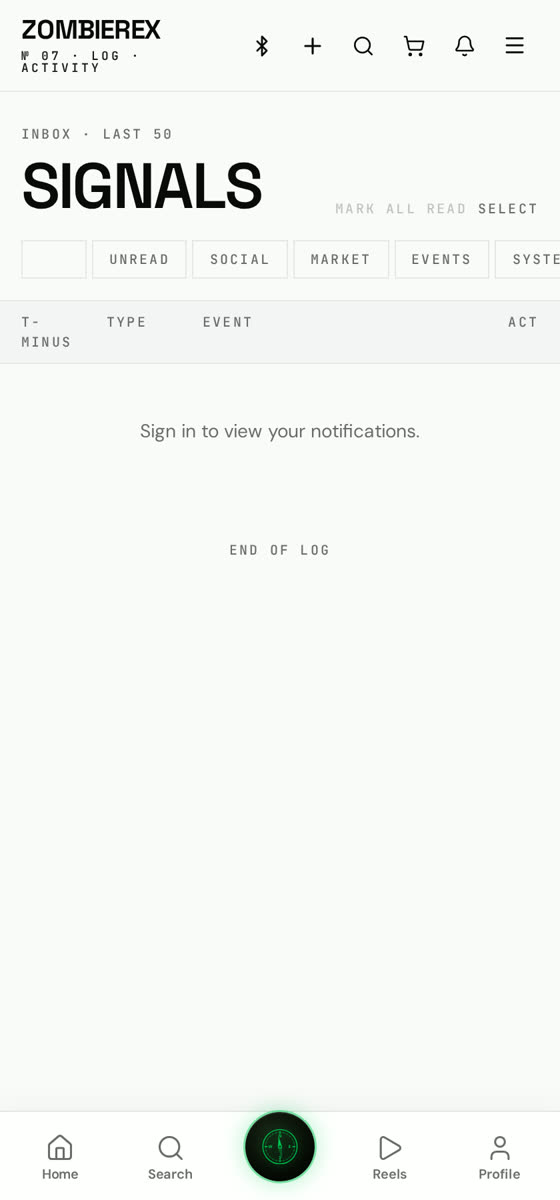
How to use
Notifications
Never miss a challenge, drop or meet.
Fine-grained control over what pings you — likes, comments, follows, orders, challenges and ride alerts.
01
Open Settings → Notifications
Push and email are separate switches.
02
Pick per activity
Turn on only what matters: challenges and orders, or everything.
03
Allow system permission
On first run, accept the OS prompt or enable it later in phone settings.
04
Check the tab
The bell tab keeps every notification even if push is off.
Good to know
- Order and payout notifications are worth leaving on if you sell.