
All features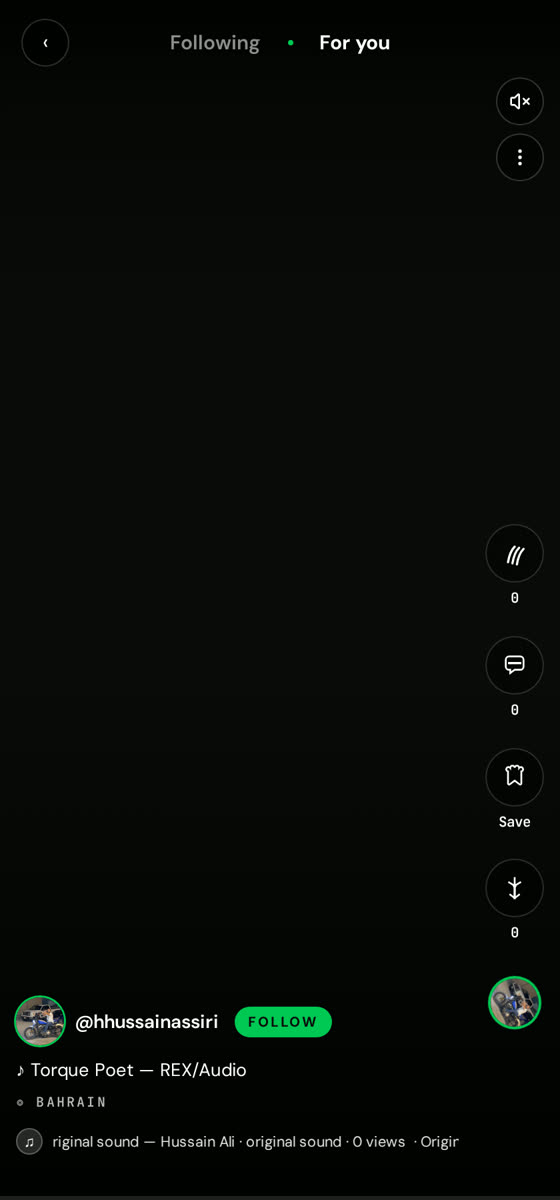
How to use
Reels & Stories
Vertical short-form video built for engine noise.
Reels is full-screen vertical video. Stories sit at the top of the feed and disappear after 24 hours.
01
Swipe through Reels
Swipe up for the next clip. Video autoplays muted — tap once to unmute.
02
Use the side rail
Like, comment, save, share or follow the creator without leaving the video.
03
Record a Reel
Tap + → Video, trim your clip, add a track from the music library and publish.
04
Post a Story
Tap your avatar in the stories rail, capture or upload, then add text and stickers.
Good to know
- Vertical 9:16 footage fills the screen best.
- Reels with a track from the library get pushed harder in discovery.