
All features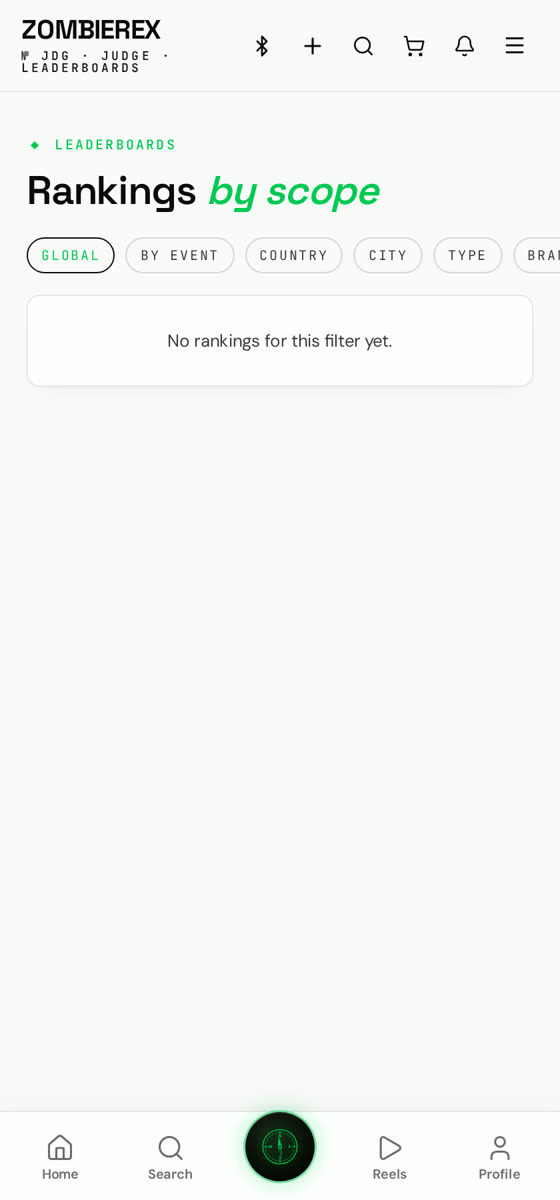
How to use
Leaderboards
Global and local performance records.
Every verified run feeds ranked boards you can filter down to your city, your class or your exact model.
01
Open Drag → Leaderboards
Default view is global, all vehicles, this month.
02
Filter it down
Switch between bike and car, class, country or city to find the board you actually compete in.
03
Compare a run
Tap any entry to see the full time card, splits and the vehicle spec behind it.
04
Beat it
Tap Challenge on a rider to send a head-to-head request.
Good to know
- Only validated runs are ranked.
- Boards reset monthly, but all-time records are kept on your profile.