
All features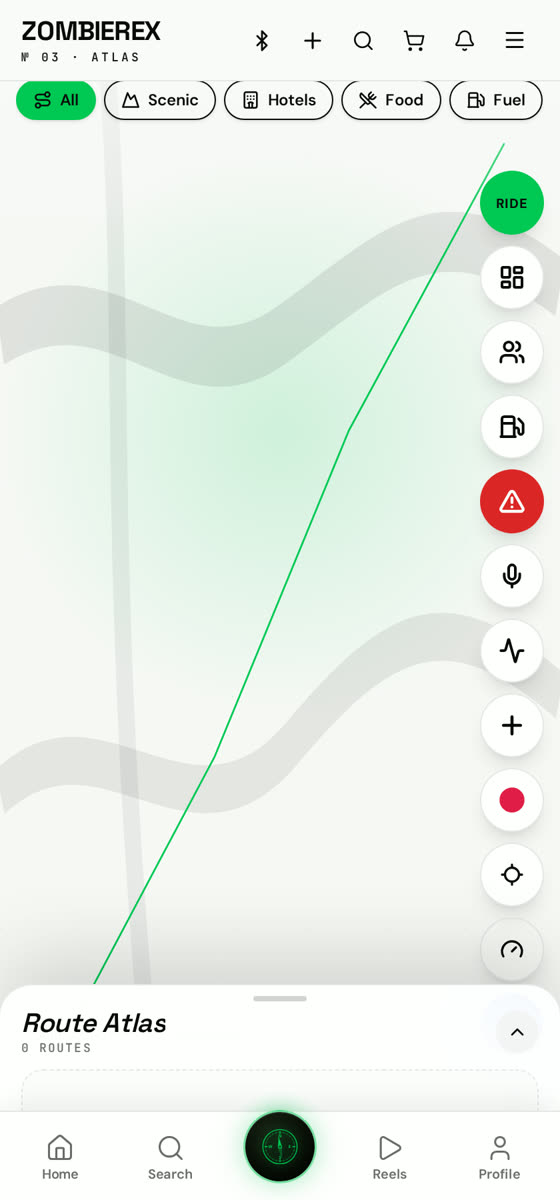
How to use
Route Planning
Save roads, hotels, fuel stops and viewpoints.
Atlas is the route hub: record a ride, drop points of interest along it, then share it so others can run the same trip.
01
Open Atlas
The map centres on your location as soon as GPS locks.
02
Record or plan
Hit Record to capture a ride live, or drop waypoints to plan one before you leave.
03
Save points of interest
Add hotels, fuel stops, restaurants and viewpoints so the route is actually usable.
04
Publish and share
Publish the route or export it as GPX — anyone can import it for their next trip.
Good to know
- Routes you save appear under Atlas → Mine.
- Imported GPX files navigate turn by turn.